APKPure
APKPure quick access to update your apps and games without registration

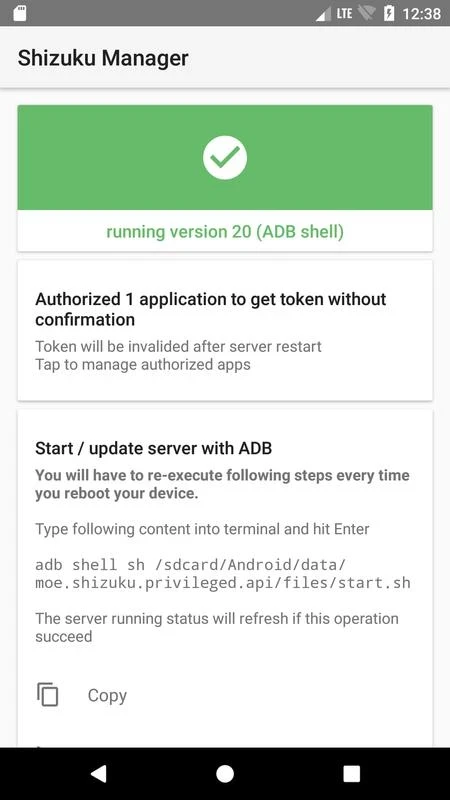
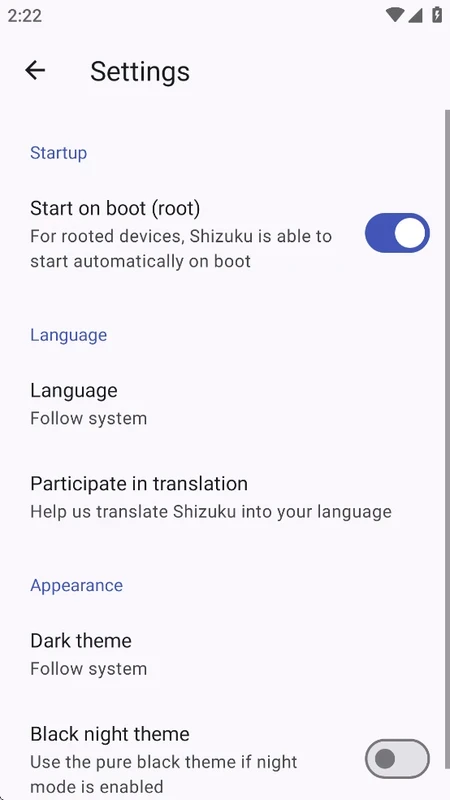

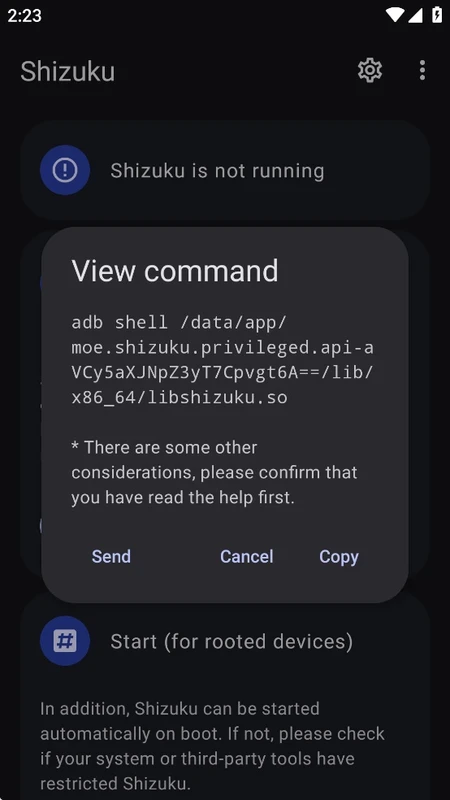


Shizuku offers a powerful capability of elevating privileges for multiple applications within a temporarily created connection. In this way, your desired apps operate advanced functions without demanding a rooting process. It enables the developers and other power users to have advanced control over their devices.
The use of Android Debug Bridge (ADB) interface offers the necessary permissions for the apps that don’t have permission. So, the users can avail powerful features for their desired apps, and there is no need to compromise or break the operating system of their phone.
Shizuku is developed by Xingchen & Rikka, and falls under the System Utilities category. It is a free and open-source utility that offers flexible control over your devices, as it offers the Shizuku server, a process that requires root or ADB for managing the apps that use these services.
The advanced Android system tool is the best solution for accessing the system capabilities without requiring a rooting process. It uses ADB to elevate permissions for your desired applications and enhance the performance and stability of such applications while keeping control in your hands.
The app offers a binder service to enable the applications to interact with Android system services. It offers root-like power to your non-rooted device, as it offers tools that require a rooted phone while keeping the device non-rooted. In this way, you can control command length limits, reduce the risks of errors, and maintain consistency across devices. The apps with uncompromised security are capable of using enhanced capabilities that are the best solution for developers to test their applications, or other power users, to leverage specific features across different applications.
The app supports two methods to start the Shizuku server: ADB for a no-root setup, or with root if available. The rebooting of your device gives a quick start to ADB mode. Whereas, easy restarts are possible with root mode, and you can select the method according to your requirements.
The app requires some learning curve, so non-tech-savvy users may not be able to use it. It is the best solution for Android developers who have used debugging features. However, the app has integrated guides and articles available right on the app’s interface or through official online documentation. If you are interested, you can use such material, including a short explanatory video, to make the tool easily approachable, or you can search guides videos on TikTok and YouTube.
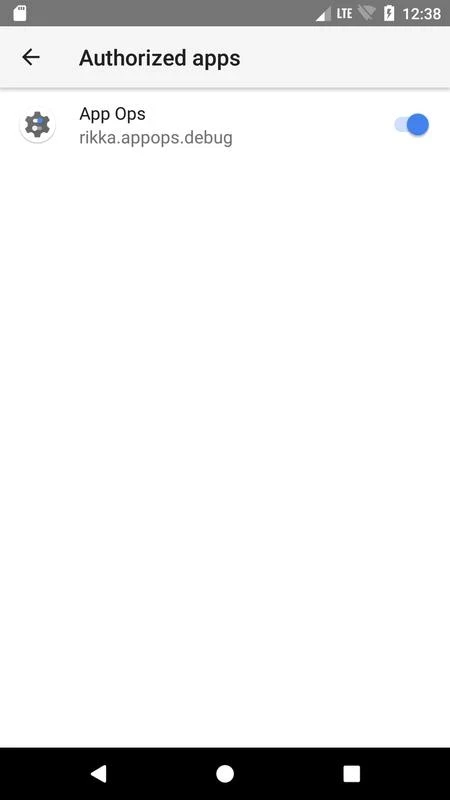
The installation process includes granting permissions and enabling developer options on your Android device. The setup is simple, and you can reliably move to start using the app, and avail permission to privileged access for the supported applications. Here, you can easily handle the accessible applications within a foolproof secure environment. It offers a list of applications with granted elevated privileges, and enables the users to cancel the access if they so wish.
The app’s manager displays the apps that require access, and allows you to accept or reject the access anytime. It also enables the users to verify service status, and use of binder calls to make it completely faster, as compared to text parsing. However, it may be risky, as any of your wrong tap can create instability, or even brick your phone. So, make sure you can manage it, read the documentation available on the interface, understand terms, and avoid random clicks.
The integration with other applications that are also utilizing the ADB method offers enhanced functionality. In this way, users are capable of using the features that are unavailable within standard permissions, and can easily get their required results. In addition, the open-source and free-of-cost capability enables the developers to use clear examples and migration notes, and enhance the ecosystem with improved compatibility for multiple tools.
The availability of multiple advanced functionalities helps to maintain the security of your device, so security is one of the fundamental considerations offered by the app. The users are allowed to give or deny permissions according to their requirements. The balance between customization and security offers a perfect workflow while managing performance and security in parallel. The foolproof environment helps to avoid potential risks related to access permissions of sensitive system features.
Pros
Cons

APKPure quick access to update your apps and games without registration

vnROM BYPASS FRP GOOGLE ACCOUNT from your Android device

Aptoide APK provides limitless apps to install and share

Download Google Play Store APK for Android and enjoy your favorite Android apps or games on your mobile devices

FRP Bypass is a free tool used for bypassing the Google lock, screen lock, and factory reset.

InstaUp automates your Instagram followers free of charge